
Balance+ — Android application for transfers and payments
Create a free wallet and virtual card in 5 minutes — without going to the bank, meeting with a manager, and even without a passport!
What You Can Do
Free Wallet & Virtual Card
Create a free wallet and virtual card in 5 minutes — without going to the bank, meeting with a manager, and even without a passport!
Cashback up to 5%
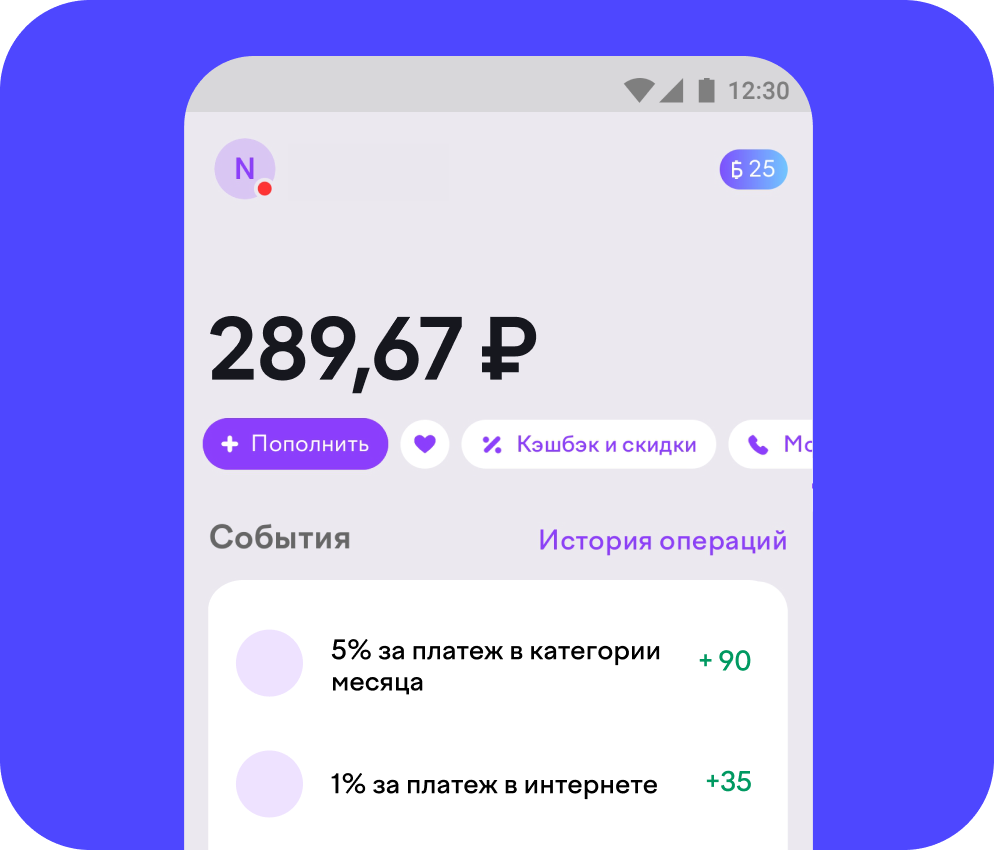
Enable cashback by category: 5% points for purchases in the categories of the month and 1% for other payments. 1 point = 1 RUB. Also get cashback in rubles from partners.
Money Transfers
Transfer money by phone number or wallet, as well as by bank details — including to cards of some foreign banks.
QR Payments
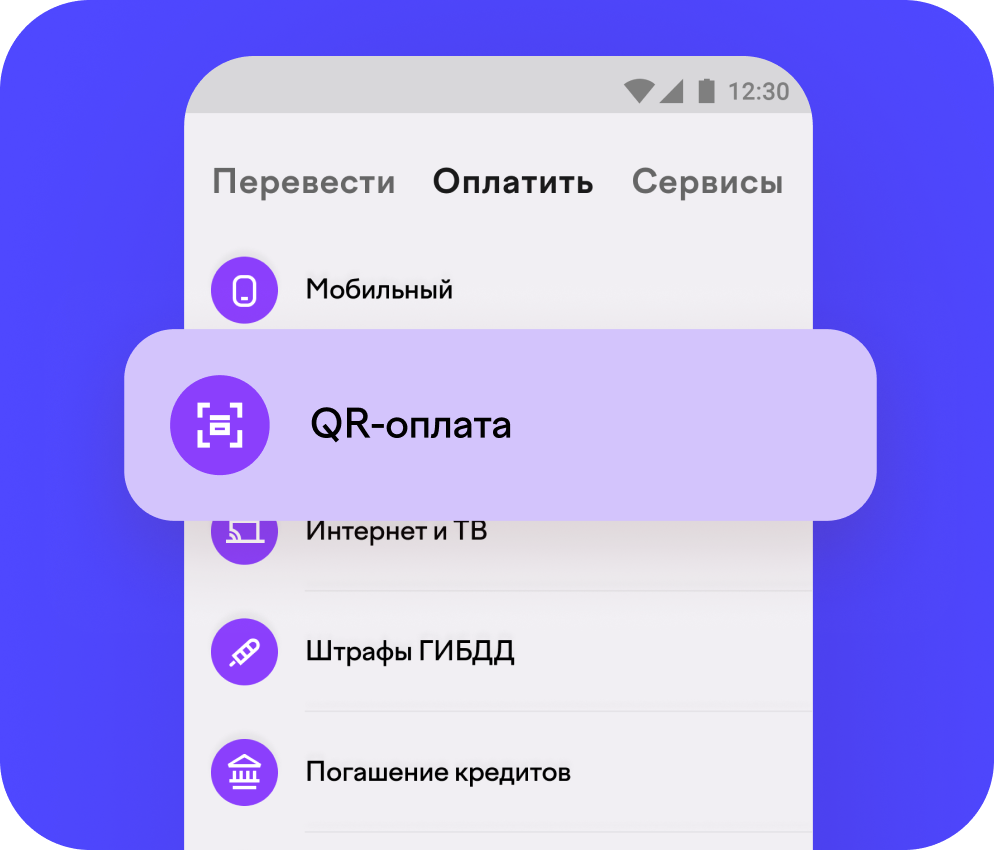
Pay using the QR code: at checkouts and on receipts — quick and contactless.
Contactless Payments
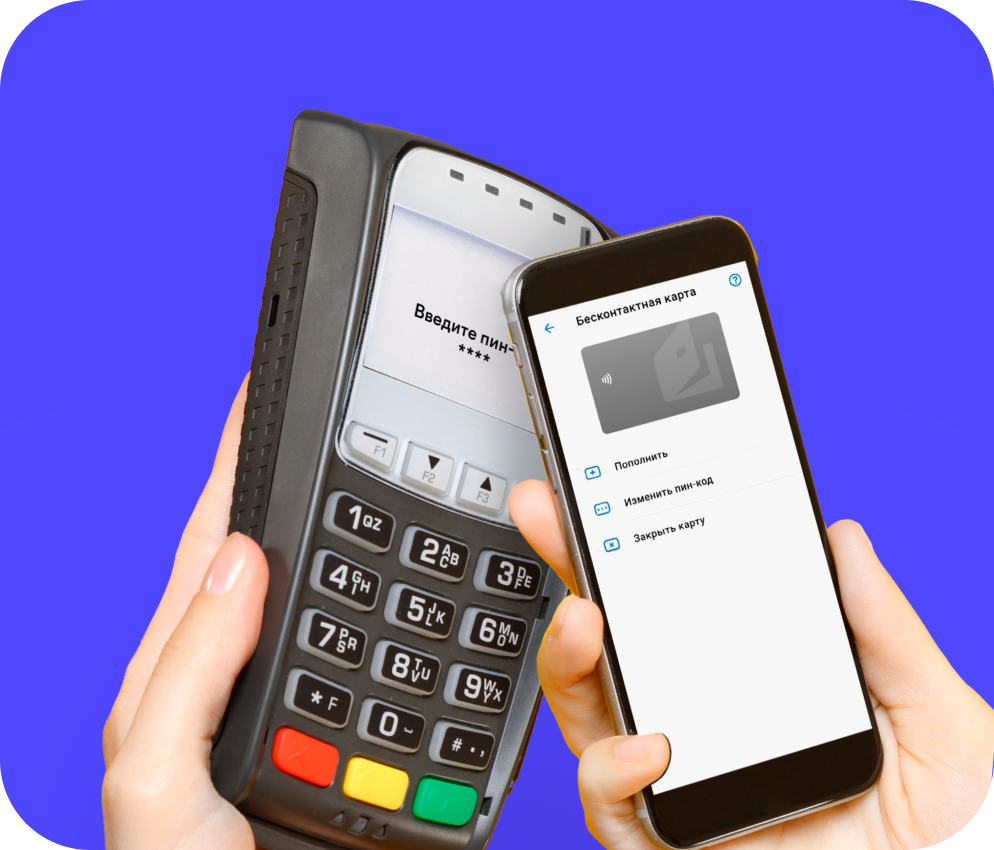
Top up your wallet with your card and pay in most stores. For contactless payment, your phone needs to support NFC technology.
Full Card Control
Manage your virtual card in the app: rename it, change or unblock the PIN code, or freeze the card in one tap.
Inside the App
Frequently Asked Questions
How to register
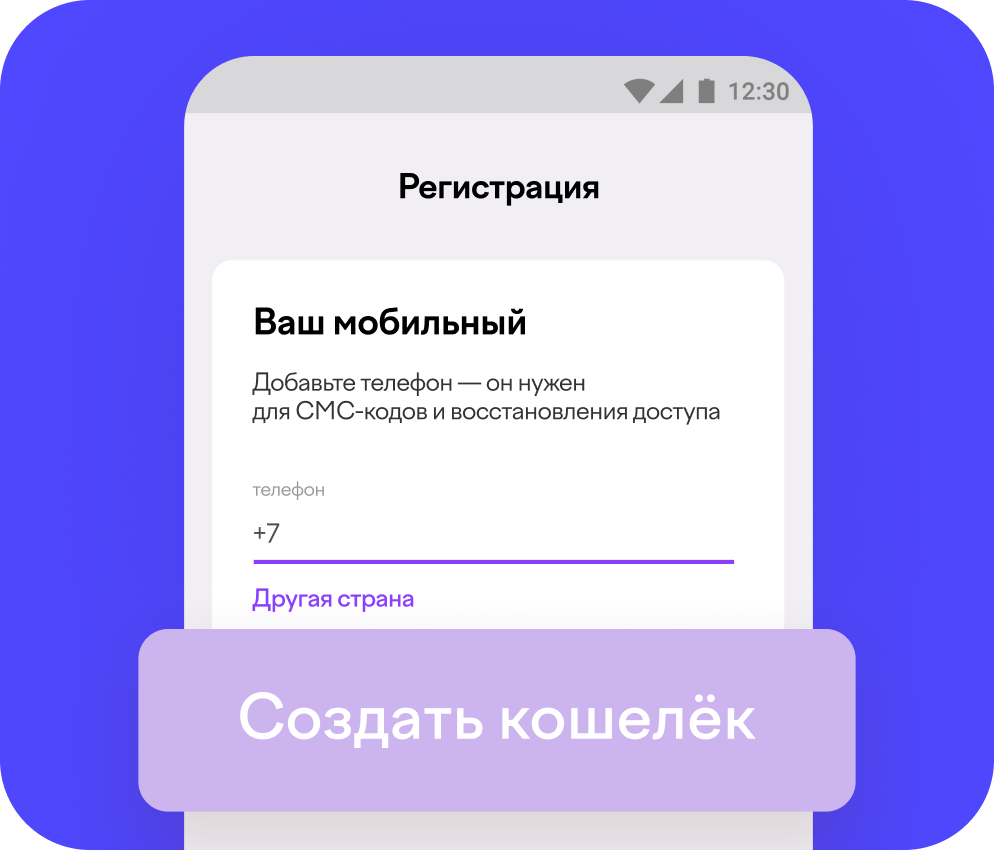
- 1Open the application, click "Create wallet" and enter your phone number.
- 2Confirm your phone with the SMS code and create a strong password.
- 3Ready! You can top up your wallet with your card and pay in most stores.
How to transfer money
To receive and send transfers, you need to confirm your identity. This is required by law.
In the application, you can choose a convenient identification method — for example, fill out an online form. Everything is free.
Identification takes from several minutes to several hours. After this, you will be able to transfer money by phone number or wallet, as well as by bank details. Including to cards of some foreign banks.
How to get cashback
Enable cashback by category to receive 5% points for purchases in categories of the month and 1% for other payments (with rare exceptions). 1 point = 1 RUB.
You can also receive cashback in rubles from partners.
Pay online with a linked card from another bank — wherever wallets are accepted. This way you can receive bonuses from your bank and our points.
Which devices are suitable?
You need a smartphone based on Android OS no lower than version 9.0, officially released for the Russian Federation.
For contactless payment, your phone needs to support NFC technology.
How to delete an account
- 1Go to the "Help" section on Home or "Write to Support" in Settings.
- 2Open a chat with support and write that you want to delete your account.
- 3Support may ask for additional information (to make sure it's you) and will help with removal.